Why Your AI "Team" Feels Like a Group of Uncoordinated Interns
There's a problem that shows up for most real estate agents once they've been using AI consistently for a few months. It's hard to name at first, because on the surface, it looks like you're doing everything right.
You've built a solid roster:
Claude for writing and deep thinking.
ChatGPT when you want a quick second take.
Gemini when you're digging into deep research.
You're experimenting, you're agile, and you're not ignoring what's available. On paper, you've put a great team together.
But does it actually feel like a team?
Or does it feel like a group of people who refuse to coordinate with each other, all standing around waiting for you to personally show up, brief them on what's going on, and tell them exactly what to do?
That's what's actually happening. And it's not a prompting problem. It's structural. The issue isn't how you're using any one tool—it's the massive gap between all of them.
The Problem Isn't Your Prompting
Every AI tool you use operates inside its own isolated session. When you open a conversation, the tool can see what's in that specific chat. When you close the tab, nothing saves, and nothing transfers.
One tool doesn't know what you figured out in a different tool last Tuesday. None of them know what decisions you made yesterday, what direction you landed on for a listing campaign, or what you've already covered with your audience this month.
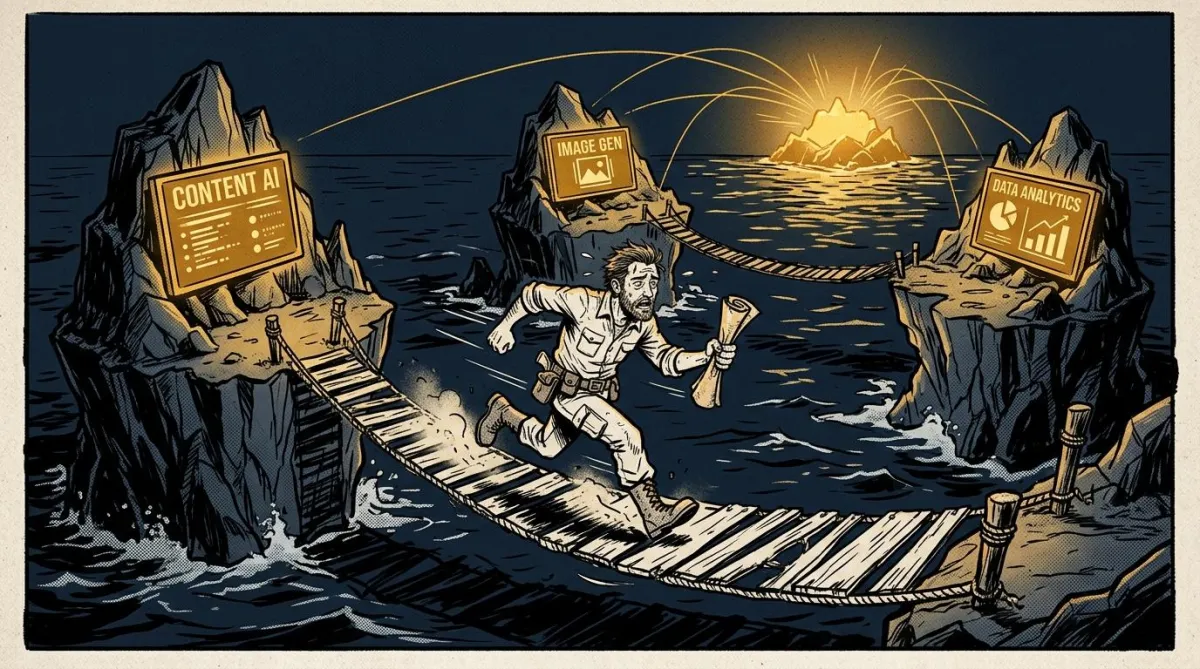
Each tool is an island. Each conversation starts from zero.
That's not something you can prompt your way around. Sure, you can write a better prompt. You can paste more context in at the start of each session. But you are still the one doing it—manually, every single time, in every tool, across every session.
Most of the conversation around AI productivity focuses entirely on prompting. Get better at it, get better results. That's true up to a point, but it skips the bigger problem that shows up once you're using more than one tool on a regular basis: Your AI tools have no way to leave each other notes.
What This Actually Costs You
Think about what this looks like in a real week.
You spend an hour in one tool working through a marketing strategy for a new listing. You make decisions. You land on an approach that fits the property, the seller's situation, and the neighborhood angle. It's good work. You close the tab.
An hour later, you open a different tool to draft the social posts for that same listing. It has absolutely no idea what just happened. You have to explain yourself all over again.
Then you jump into a third session to research something about the local market. Blank slate. Start over.
You are not the manager of your AI team. You're the intern, running between offices delivering messages.
Every piece of context, every decision, and every bit of work that happened somewhere else travels through you manually, every single time. The more tools you add and the more complex your work gets, the more time you spend being the messenger instead of doing the actual work. It doesn't scale.
And the cost isn't just time. It's the quality of what comes out, because every tool is constantly working with incomplete information.
What You Actually Need
The fix is not a better prompt. It's a shared room.
Think about what a staff meeting does. Instead of briefing every person separately, you get everyone together at the same time. You say the important things once. Everyone leaves knowing what's going on, what was decided, and what the overall direction is. Nobody has to ask for clarification later, because the document on the table is visible to everyone.
That's the shift that matters here.
The goal isn't finding a single AI tool that handles everything.
The goal isn't replacing your whole tech stack with something different.
The goal is giving your tools a place where they can all read from the same information—a shared document that lives outside of any single session.
When your business context lives in one centralized document that any tool can access, every session starts from the same place. No more re-explaining your market, redefining your niche, or carrying massive amounts of background information in your head from one tab to the next.
The Practical Step You Can Take Today
Here's how to connect the islands and get your tools talking to each other using a simple, free setup:
Connect Claude to Notion: Go to your Claude Settings, find Connectors, and link your Notion workspace. It takes about two minutes. (If you don't have a Notion account, the free plan is more than enough to start).
Build Your Context Page: Once connected, ask Claude to create a page in Notion called My Business Context. You don't even need to know how to use Notion—Claude will build the page structure for you based on what it needs to know.
Run a Business Interview: Ask Claude to interview you about your business and write your answers directly onto that page. Have it extract what kind of agent you are, your specific market, your target clients, how you communicate, and what you're working on right now.
The next day, when you open Claude, simply ask it to read that Notion page before you start. The context is already there. You didn't have to carry it.
Even better, when you finish a great strategy session in Claude, you can tell it to write those decisions back to your Notion page. The next session you open—regardless of when or where—already has its updated marching orders. Your team is finally leaving each other notes.
Want to Skip the Trial and Error?
This is a starting point, not a complete system. Building this out so it functions seamlessly across your entire business takes a bit more coordination than a single afternoon.
If you want to build this ecosystem yourself with hands-on guidance, I'm running a live training called AgentMind on July 1. It’s a two-hour, highly practical workshop where you will leave with a fully functional workspace. I'll provide the ready-made templates so you can get your context document written, your workspace set up, and your AI tools connected properly from day one.
Head over to the AgentMind registration page to grab your spot.