Your AI Assistant Has a Memory Problem. Here's the System That Fixes It.
Lehman Strategic Partners | June 2026
If you use AI consistently in your business, you have already run into this. You have a great session, make real progress, and come back the next day expecting to pick up where you left off. Instead, you get a blank slate. The context is gone, the thread is gone, and you spend the first ten minutes of every session rebuilding what you already built.
Most founders chalk this up as a quirk of the tool and work around it. They paste in notes, re-explain their business, start from scratch every time. What they do not realize is that this is not just inconvenient — it is quietly costing them. Repeated work, repeated angles, repeated mistakes. The AI is capable. The infrastructure holding it is not.
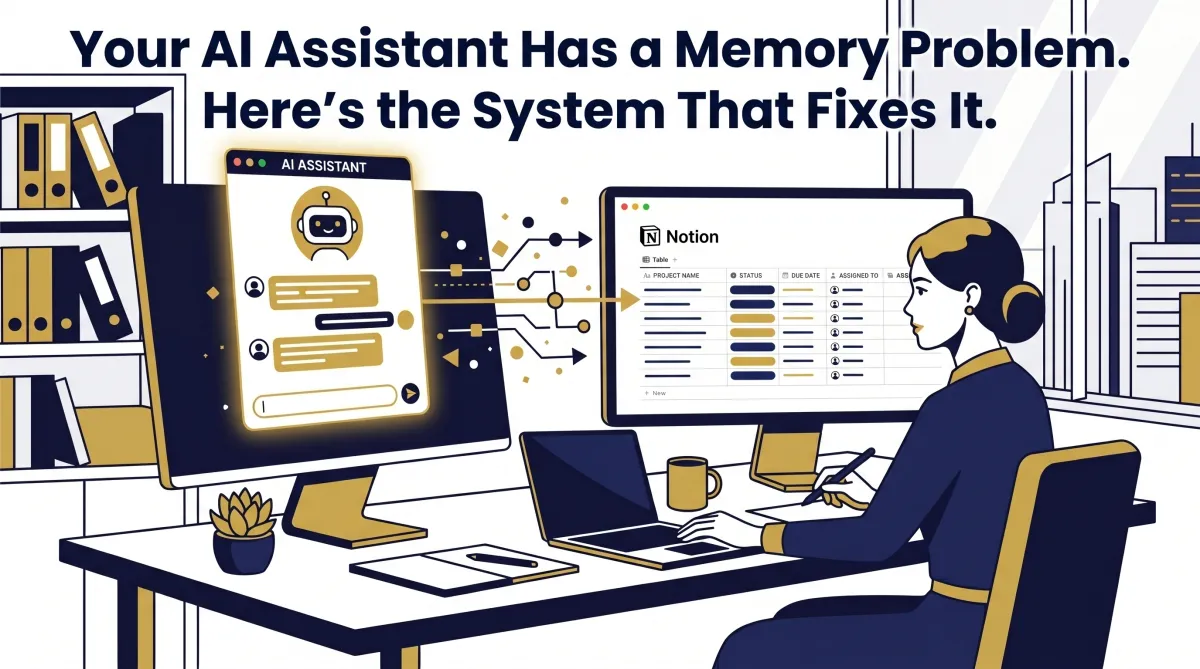
The fix is not a new tool. It is connecting the tools you already have in a way that makes them genuinely functional together. Specifically: connecting your AI assistant to a persistent database it can read and write to across every session. For us, that means connecting Claude to Notion — and the results have been immediate and compounding.
The Real Cost of Inconsistent AI Memory
Here is what inconsistent AI memory actually looks like in practice. You run a content operation. You ask your AI to write something — it does a great job. A few days later, different session, maybe different device, you ask for something similar. The AI covers the same angle. Neither of you catches it. Over time, your content library fills up with conceptual repetition, and your audience starts to feel it before you do.
This is not a content problem. It is a systems problem. The AI is not broken — it simply has no reliable place to store what it has already done. Every session starts at zero. For a one-time task, that is fine. For anything recurring — content, client work, operations, strategy — starting at zero every time is an infrastructure failure.
System-driven founders do not tolerate infrastructure failures. They fix them. And the fix here is straightforward: give your AI a reliable external memory it can access every time, regardless of which session, which device, or which instance you are working from.
Why Notion (and Why It Finally Made Sense)
Notion is one of those tools that most people have tried and abandoned at least once. The tool can do almost anything, which means it is almost impossible to figure out what it should do for you. You spend an hour in the template gallery, open three rabbit holes, and close the tab with nothing built. That pattern repeats until you stop trying.
What changed the equation is this: when Claude builds in Notion on your behalf, the tool's complexity becomes irrelevant. You describe what you need to track. Claude builds the database structure. You use the output. You never have to navigate Notion's feature set, learn its interface, or decide how to organize anything. The AI handles the infrastructure, and you get the benefit.
This is the version of Notion that actually works for operators who have bounced off the tool before. Not Notion as a productivity system you have to maintain — Notion as a database your AI manages on your behalf.
What the System Actually Looks Like
The content repetition problem got solved first. The setup was simple: every piece of content produced gets logged to a Notion database — title, topic, angle, date. Before writing anything new, Claude checks that database. If the angle has been covered, it flags it. If it was covered recently, a built-in cooldown period prevents the same angle from coming back until enough time has passed.
That one system eliminated roughly 80% of the content repetition — and it took a single conversation to build. Not a technical project. Not a tool purchase. One conversation describing the problem, and Claude built the structure in Notion.
But the content database is one application of a larger principle. The same approach applies to anything you want your AI to remember across sessions: project context, frameworks you have developed together, reference material, business processes, client information, operating standards. When Claude needs to know something about how your business works, it pulls from Notion instead of you re-explaining it from scratch.
There is also a portability angle worth noting. Notion connects to other tools, including other AI platforms. The assets you build with Claude and store in Notion are not locked to one platform. They travel. If you are working across multiple AI tools — which most serious operators are — your context and frameworks move with you.
How to Set It Up (It Takes About 10 Minutes)
The setup is not a technical project. In Claude's settings, find the connectors section. Notion is listed there. You authorize it, point it at your workspace, and the connection is live. The whole process takes about ten minutes.
You do not need to know how to use Notion. You do not need to build anything in advance. Once the connection is live, describe to Claude what you want to track — your content history, your project context, your operating frameworks, whatever is most relevant to your recurring work — and ask it to build the database structure. Claude handles the architecture. You start using it.
The question to ask yourself before the setup is: what do I explain to my AI over and over again that it should already know? Whatever that answer is, that is where you start. Build one database around that problem. Use it for two weeks. You will find the next one yourself.
The Principle Behind the Setup
Notion on its own is a powerful tool most people find overwhelming. Claude on its own is a highly capable assistant with memory you cannot fully rely on across sessions. Connected, they cover each other's weaknesses. Claude gives Notion a practical entry point for people who have never been able to make it stick. Notion gives Claude the persistent, cross-session storage that makes it genuinely more useful over time.
This is the systems thinking that separates a founder from someone who just has a lot of tools. The tools are the same. The difference is whether they are connected intentionally — whether information flows where it needs to go, whether context is retained, whether the operation compounds over time instead of resetting every day.
A business that runs on AI but has no system for maintaining AI context is just as fragile as a business that runs on an employee with no documentation. When the session ends, the knowledge walks out the door. Building the infrastructure to retain it is not optional if you are serious about building something scalable.
The Move
If you use AI for anything recurring in your business, this setup is worth doing this week. Not because it is complex — it is not — but because every week you are not doing it, you are paying the tax of inconsistency. Re-explaining context. Catching repeated work. Starting from zero when you do not have to.
Ten minutes of setup. One conversation with Claude about what you want to track. That is the full ask. The compounding benefit starts the same day.
If you are ready to stop owning a job and start owning a business — and that means building the systems that make your operation work with or without you in the room — that is exactly what we do at Lehman Strategic Partners. Reach out when you are ready to build it right.