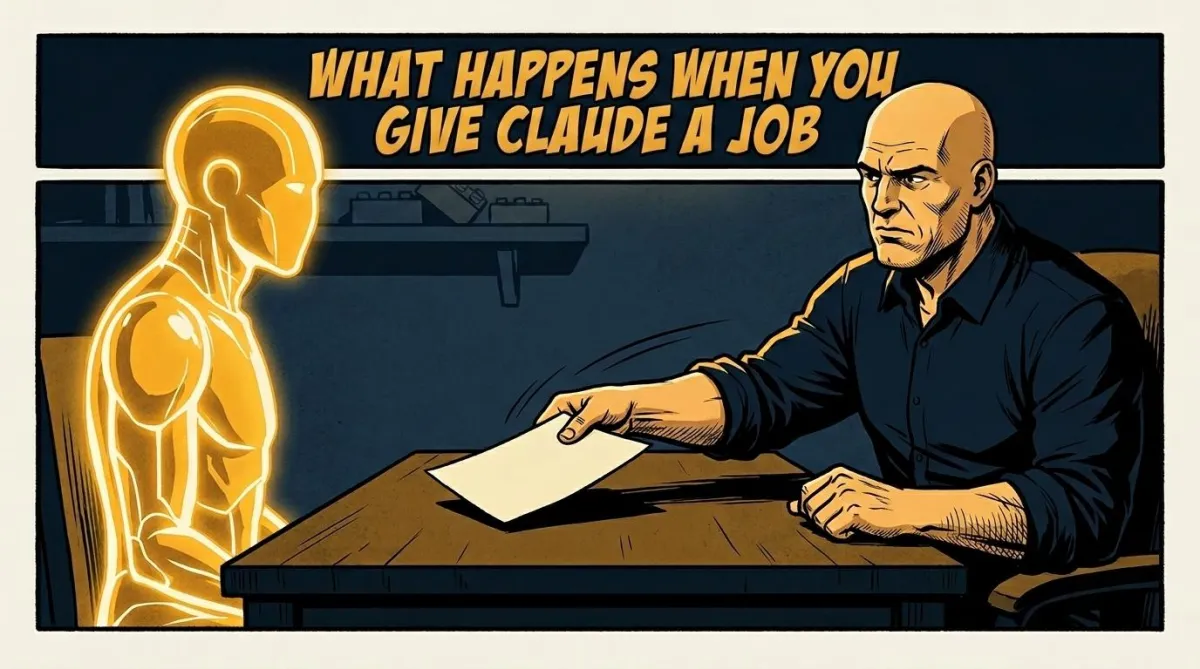
What Happens When You Give Claude a Job
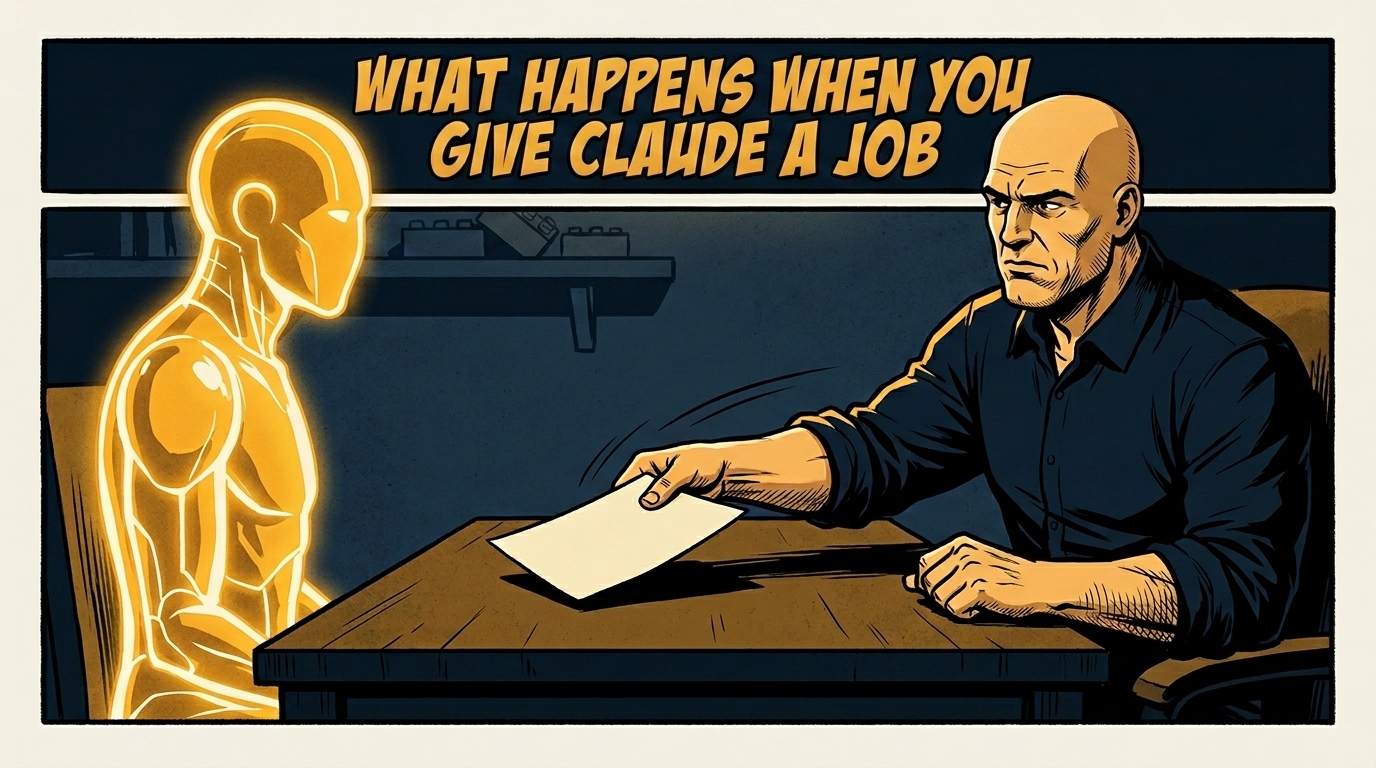
You wouldn't hire someone and hand them a sticky note every time you needed something done. You'd sit them down, explain the business, tell them how you like things handled, set some expectations. Then you'd let them work.
Most real estate professionals using Claude are skipping all of that.
They open a new chat, type a request, get a response, close the tab. Next day, same thing. Claude is capable enough that this approach produces decent output. The problem is decent isn't the ceiling. It's the floor. And most people never find out what's above it because they never do the setup work.
I was in that camp longer than I'd like to admit. I was impressed enough with the default results that I didn't ask whether there was a better version. There is. It starts with treating Claude less like a search engine and more like someone you actually hired.
What You're Actually Doing When You Prompt Without Context
Every time you open a blank Claude conversation and type a request, you're asking a new employee who knows nothing about you to do work that requires knowing a lot about you.
Claude doesn't know your market. He doesn't know your voice. He doesn't know that you work with move-up buyers in a specific price range, that you never use certain phrases, that your sellers tend to be retirement-age and respond to a particular tone. He doesn't know that you post three times a week, that you prefer short captions over long ones, or that you've already covered the interest rate angle four times this month and your audience is tired of it.
He knows what you typed in the last thirty seconds.
The output reflects that. It's generic because the input was generic. That's not a Claude problem. That's an onboarding problem. And the fix isn't a better prompt. The fix is the same thing you'd do with any new hire: get them up to speed before you ask them to produce.
What a Job Description Actually Looks Like
A Claude job description isn't a prompt. It's a document you write once and reference every time.
It tells Claude who you are, who you serve, how you communicate, and what you want him to handle. It sets the standards for the work before the work starts. Think of it the way you'd think about onboarding a sharp assistant. You'd cover the basics of the business. You'd explain the communication preferences. You'd walk through the things that are always true about how you operate, so they're not learning those things on the job at your expense.
For a real estate agent, that document might cover your market area and the price ranges you focus on. It would include the type of clients you typically work with and what matters most to them. It would describe your content voice: do you write formally or conversationally, do you use humor, what topics are always relevant to your audience, what angles are you tired of and don't want to revisit. It would cover the formats you produce most often and any recurring structure those formats follow.
It would also include the things you find yourself explaining repeatedly in prompts. If you're typing the same context paragraph at the start of every conversation, that context belongs in the job description. You're already writing it. You're just writing it over and over instead of once.
Once that document exists, you paste it at the start of a conversation or store it in a Claude project where it loads automatically every time. Claude now has the context a good employee would have on day thirty, not day one. The work he produces from that point reflects it.
The Difference Shows Up on the First Try
This isn't theoretical. The gap between a generic Claude response and a contextualized one is noticeable immediately.
Generic prompt: "Write a caption for my new listing." You get something that sounds like every other listing caption on the internet. Vague enthusiasm, generic language, nothing that sounds like you or speaks to your specific audience.
Same prompt, after Claude has your job description: he knows your voice, your market, your buyer profile, your content preferences. He writes something that actually sounds like you. It speaks to the people you're trying to reach. You might edit a word or two. You don't rewrite it from scratch.
That gap compounds over time. The more you work with Claude in a contextualized setup, the more useful he becomes. He's not just doing individual tasks better. He's developing a working understanding of your business that carries into everything he touches.
That's what knowing how to use Claude AI for real estate actually looks like in practice. Not finding the magic prompt. Building the relationship properly from the start.
The Role Definition Is the Real Work
Here's the honest part. Writing the job description takes time the first time. Probably an hour, maybe more if you really dig into it. You have to think through how you actually work, what you actually want, what standards matter to you, what you've never bothered to articulate because you assumed anyone working with you would just figure it out.
That thinking isn't overhead. It's the work most people skip because it feels like setup and they want results now.
It isn't setup. It's infrastructure. Every hour you spend writing the job description saves you fifteen minutes of re-explaining yourself in every session for the rest of the year. The math is not close.
The agents who get the most out of Claude aren't the ones who've found better prompts. They're the ones who did the upfront work so they're not starting from zero every time they open a tab. They've built something that compounds. Every session adds to what Claude knows. Every piece of content produced is informed by context that didn't disappear when the conversation ended.
That's a different tool than the one most people are using. It's the same software. The difference is how it's set up.
What Comes After the Job Description
Once you have the role definition in place, the next questions tend to come quickly.
How do you make sure the context loads every time without pasting it manually? Claude projects handle that. How do you make sure Claude isn't repeating angles you've already covered? You build a content log. How do you make Claude's memory of your business persist across sessions and devices? That's where Notion comes in, and that's a longer conversation.
But none of that matters until the foundation is there. The job description is the foundation. Everything else is built on top of it.
Where to Go From Here
If you want to build this out properly and see it done live, I'm hosting a training on June 18 called Supercharge Claude. We walk through the full setup: how to write your role definition, how to structure your projects so context loads automatically, how to get Claude producing work that actually sounds like you instead of a generic AI assistant. Registration is at imclaylehman.com/supercharge_claude.
If you're already thinking about the next layer, connecting Claude to Notion so your context persists across every session and every device, that's a separate training on July 1. More details on that soon.
For now, start with the job description. It's one document, written once, that changes what Claude can do for you every single day after that. The agents who have done it will tell you the before and after is not subtle.
If you want to see what other real estate professionals are building with AI, come join the free community at AI Prompts for Real Estate Professionals on Facebook. 5,000 agents, lenders, title pros, and property managers sharing what's actually working every week.