AI TRAINING FOR REAL ESTATE PROS
Learn AI like your business depends on it. It already does.
Practical trainings, tools, and a community for real estate pros who want systems that work, not theory that doesn't. Built by someone who runs his own businesses on this stuff every day.

AgentMind
Your AI starts every chat as a stranger: no memory of your clients, your listings, or the way you work. AgentMind fixes that with a two-hour training plus the AI Brain Starter Kit. Built for real estate, not generic productivity.
$197
Get AgentMind →AI Chief Content Officer Pro
Your content engine, installed in an afternoon. It learns your voice, your market, and your goals, then plans and drafts your content every week.
$197
Get CCO Pro →Fluent
Duolingo for AI, built for real estate agents. Five-minute lessons that teach you AI in the gaps your day already has: between showings, at open houses, waiting on a buyer who's running late.
$9/mo or $79/yr
Coming Soon →THE COMMUNITY
One membership. Every workshop. Past and future.
Join and every training I have ever run is yours, along with every one I run next. Insiders get the full Resource Library. Mastermind members add the live calls, where we work on your business instead of hypotheticals. The community itself is free, and everyone is invited.
LSP Insider — $97/mo
The full Resource Library, live and replay.
LSP Mastermind — $497/mo
Everything in Insider, plus the live calls and both flagship systems.
People I've helped
"Clay walked me through the steps and I installed the skill in both Claude and ChatGPT in one session. Very worth the money, and the step-by-step guidance was invaluable." — Kathy Redmond, real estate agent, New Hampshire
"It's mind-blowing how easy it makes everything."
— Tyler Stump, real estate agent, Resolute Real Estate"this is LIT as my daughter says!!!!"
— Gene Burwood, property manager, Lakewood Ranch, FL"So good Clay. I want to watch through it one more time myself!"
— Sarah Ann, real estate agent, UtahWant to work on your specific business?
Book a working session with me. It's $100, which is exactly enough to make sure we both show up ready to use the hour.
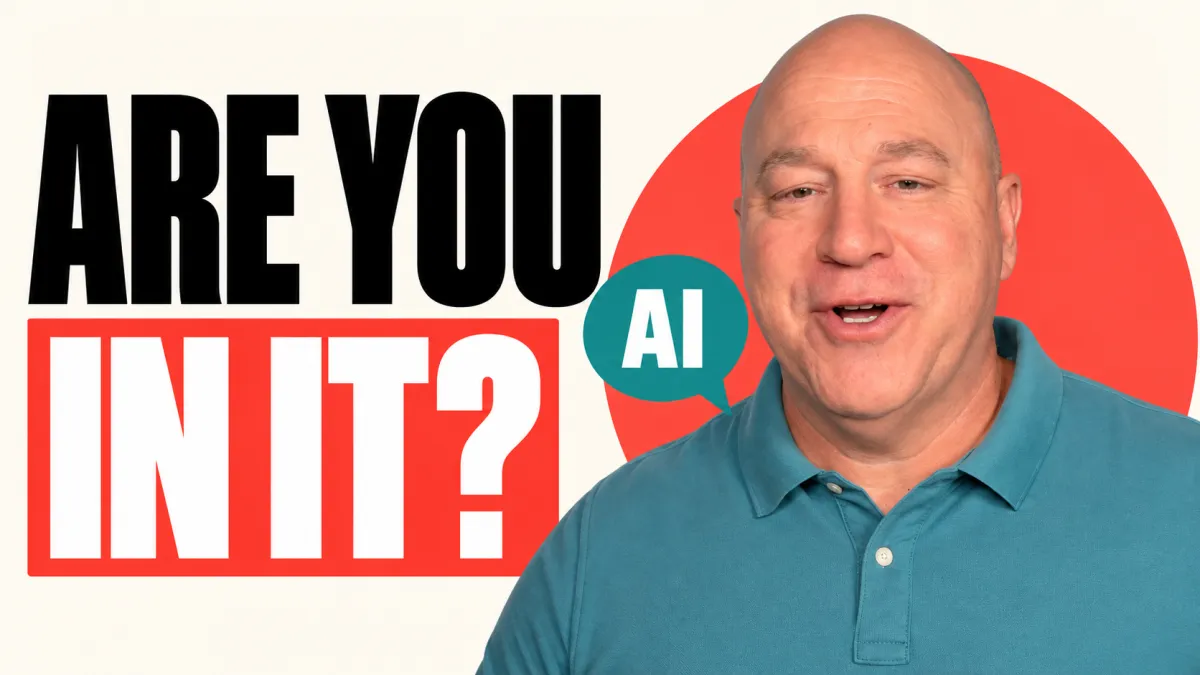
Your Team Is Already Talking About AI. Are You?
Whether you're using AI every day or still trying to decide what you think about it, your team has questions.
Are we supposed to use it? What information can we put into it? Is it going to change my job? What does the boss expect?
You may have spent hours trying tools and thinking about how they could help your business. Your people don't automatically get the benefit of that thinking. A passing comment or an AI-generated document leaves a lot for them to figure out.
And if you're waiting until you understand all of it before you say anything, how long is that going to take?
Get clear on what you can explain today
You don't need an answer about the future of every job. You do need a reasonable position you can explain.
Are you willing to explore AI? What are you comfortable with today? What are you still unsure about?
Think about how those answers fit the way you want the company to operate. If you want people looking for better ways to work, have you given them room to try? If you expect them to take responsibility for their work, have you explained how that applies when AI helps produce it?
You can see opportunity and still have questions about accuracy, information, and where AI belongs in the business. Tell your team both.
Ask the people doing the work
Owners can get this backwards. We sit down and try to make a list of everything the team should use AI for.
But your team knows which reports take too long, which questions keep coming up, and which processes create extra work every time someone follows them.
Suppose you think writing emails is the obvious place to start. The person handling those emails might tell you the writing is easy. Finding the information they need before they can answer is what takes the time.
That's useful. Now you can have a better conversation about whether AI would help with the actual problem.
Bring examples, but leave room for theirs. Then explain what happens when someone has an idea. Can they try it in an approved company account? Do they need to ask first? Who should they bring it to?
Make the information boundaries clear
Don't assume that because you haven't approved a tool, nobody is using it.
Someone trying to get through a stack of emails may reach for the same account they use at home. They may paste in a client conversation, internal notes, or details about a resident or employee without thinking through where that information is going.
What happens to it depends on the service, account, and settings. Paying for an account doesn't answer every question, either.
Understand the setup you've approved and tell people what information belongs there. If you're still working that out, say so and explain the boundary while you do.
Silence leaves that decision with whoever happens to be sitting at the keyboard.
Keep a person responsible for the result
An email can sound professional and still be wrong.
AI might help someone explain a repair clearly while adding a completion date nobody confirmed. It might include a promise the sender has no authority to make.
The person responsible for the conversation still needs to read the message, check the facts, and decide whether to send it. Having AI write a commitment doesn't give that person permission to make it.
Be specific about who reviews the work, which decisions need a person, and who remains responsible for the result.
Talk honestly about what this means for jobs
When you talk about efficiency, someone on your team may hear that you're trying to eliminate their position. That's a reasonable concern to raise with the person who employs them.
In my business, my goal is not to eliminate a single existing position. I want to reduce how often growth means we immediately need another hire. I want the team we have to be able to build more, with fewer situations where we're so stretched that we rush to hire the wrong person.
That's my intent. You need to be honest about yours.
Don't borrow a reassuring statement if it isn't true for your business. Don't promise that nobody's work will ever change. Explain what you know, what you're trying to accomplish, and what you haven't decided yet.
Then listen
Before your next team meeting, get clear on four things:
- How you want people to approach AI.
- Which tools and information they can use.
- Where a person still needs to make the call.
- What you can honestly say about the future of their work.
Explain your thinking. Ask what people have tried, where they see an opportunity, and what concerns them. You may find people who are ahead of you in some areas and others who need help getting started.
Your team is already talking about AI. Make sure you're part of the conversation.
Watch the full video: Your Team Is Already Talking About AI. Are You?

See how I build, before you commit.
Start with Supercharge Claude, two free trainings and a prompt pack that show you exactly how I use Claude in my own business. Watch them, try the prompts, then decide if you want anything else from me at all.
Get Supercharge Claude - freeNo opt-in games, no sales call hiding behind it.